How to Fix Mechanical Keyboard Double Typing Without Soldering (Easy DIY Fixes)
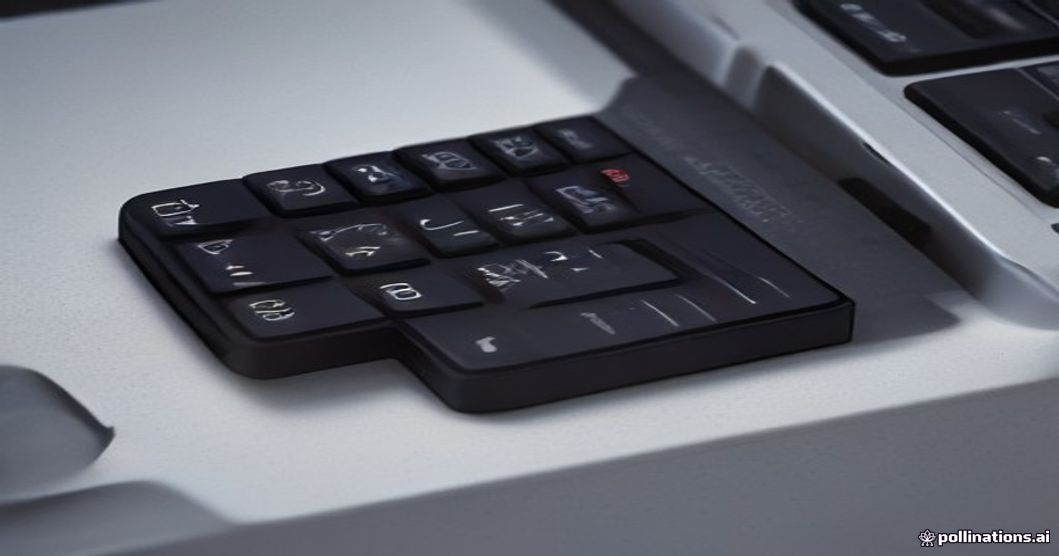
Last Tuesday, I almost threw my favorite custom keyboard right out the window. I was sitting down to write an urgent email to a client, and every single time I hit the letter "e", my screen printed "ee". Sending a message that reads "Pleases let me know if thee draft looks good" isn't exactly the professional image I try to project.
If you are dealing with double typing—what mechanical keyboard nerds like me call "key chatter"—you know how infuriating it is. It ruins your typing rhythm, ruins your gaming sessions, and makes entering passwords a game of Russian roulette.
The good news? You do not need to buy a soldering iron, spend $200 on a new board, or have a degree in electrical engineering to fix this. Here are four practical, battle-tested ways I have solved key chatter over the years without touching a soldering iron.
Understanding Why Your Keys Are Acting Up
Before jumping into the fixes, let us look at what is happening under the hood. Inside each mechanical switch sit two tiny copper leaves. When you press a key stem down, these leaves push together, completing an electrical circuit that tells your computer to print a letter.
Over time, microscopic specks of dust, pet hair, or dry coffee vapor get trapped between those copper contacts. When that happens, the electrical connection flickers erratically. Your computer registers that tiny fraction-of-a-second flicker as multiple button presses.
Sometimes, it is just dust. Other times, it is a software timing misfire. Knowing this saves you money because 90% of the time, your switch isn't broken—it is just dirty or miscommunicating.
Quick Software Hacks to Stop Key Chatter Right Away
If you have a tight deadline and need a quick fix right now, start with software. You can change how your computer or keyboard firmware handles fast, repeated key presses.
Adjust Your Debounce Delay Settings
"Debouncing" is the grace period your keyboard waits before accepting another signal from the exact same key. If your board uses customization software like QMK, VIA, Razer Synapse, or Corsair iCUE, check the settings for a slider called "Debounce Time."
Increasing this value from 4ms to 8ms or 12ms usually stops key chatter instantly without creating any noticeable lag while typing or playing games.
Use a Dedicated Key Chatter Blocker Tool
If your keyboard board doesn't support custom software, third-party software can save the day. On Windows, a free utility named Keyboard Chatter Blocker acts as an intelligent filter.
It works by detecting unnaturally fast repeated keystrokes—for instance, two 'E' presses within 30 milliseconds—and blocking the second one automatically. I used this tool for a full month when I was too busy to clean my switches, and it worked like a charm.
The Deep Clean: Isopropyl Alcohol to the Rescue
If software adjustments feel like putting tape over a leak, the isopropyl alcohol flush is the ultimate hardware fix. This method has saved half a dozen keyboards in my office, and you do not need to disassemble the switch to do it.
Here is my exact step-by-step process:
- Unplug your keyboard completely. Never pour any liquid into a keyboard connected to power, even high-purity alcohol.
- Remove the offending keycap. Use a wire keycap puller so you don't snap the plastic stem.
- Expose the inside of the switch. Press the colored switch stem (the cross-shaped post) all the way down with your finger or a tooth pick.
- Apply high-purity Isopropyl Alcohol. Drip 2 to 3 drops of 99% isopropyl alcohol straight into the exposed gap around the stem.
- Mash the switch repeatedly. Press the switch up and down rapidly 50 to 60 times. This forces the alcohol between the metal leaf contacts to flush out grit and oxidation.
- Let it dry thoroughly. Leave the board unplugged for at least 30 minutes so the alcohol evaporates completely before testing.
Pro Tip: Only use 99% Isopropyl Alcohol for this fix. Do not use standard 70% rubbing alcohol from your medicine cabinet—it contains 30% water, which takes hours to dry and can corrode your circuit board.
Swapping Switches on Hot-Swappable Boards
If you own a hot-swappable mechanical keyboard (like many modern boards from Keychron, Epomaker, or Akko), your solution is even easier.
Hot-swappable boards allow you to pull switches out directly from the top plate without un-soldering anything.
- Take your switch puller tool and clamp the top and bottom plastic tabs of the problematic switch.
- Pull straight up firmly until the switch pops out of the socket.
- Grab a switch from a key you rarely use—like Scroll Lock, Pause Break, or F12.
- Pull that working switch out and plug it into your broken key's socket, making sure the metal pins are straight before pressing down.
If the double typing disappears, the original switch was physically worn out. You can buy a single replacement switch online for under a dollar.
Frequently Asked Questions
Why did my mechanical keyboard start double typing out of nowhere?
The most common culprit is dust or debris trapped between the switch contact leaves. Even subtle humidity changes or tiny amounts of copper oxidation can disrupt electrical signals.
Will pouring isopropyl alcohol ruin my keyboard PCB?
Not if you use 99% pure isopropyl alcohol and ensure the board is disconnected from power. 99% alcohol is non-conductive once dry and evaporates cleanly within minutes.
Can a bad USB hub cause key chatter?
Yes! Unstable power delivery or signal noise from an unpowered USB hub can confuse your computer's USB controller, leading to duplicate key inputs. Try plugging your keyboard directly into your computer's rear motherboard port to rule this out.
Final Thoughts
Key chatter is insanely annoying, but it almost never means your board belongs in the garbage. Try the software chatter blocker if you are in a rush, but taking fifteen minutes to flush the problematic switch with 99% alcohol usually fixes the issue for good.
Have a stubborn key that still refuses to cooperate? Drop a comment below with your keyboard model and what you've tried so far—I'd love to help you figure it out!
By the ReadyTips Team
We research, test, and write practical guides so you don't have to figure things out the hard way. Every article is reviewed by hand before publishing.