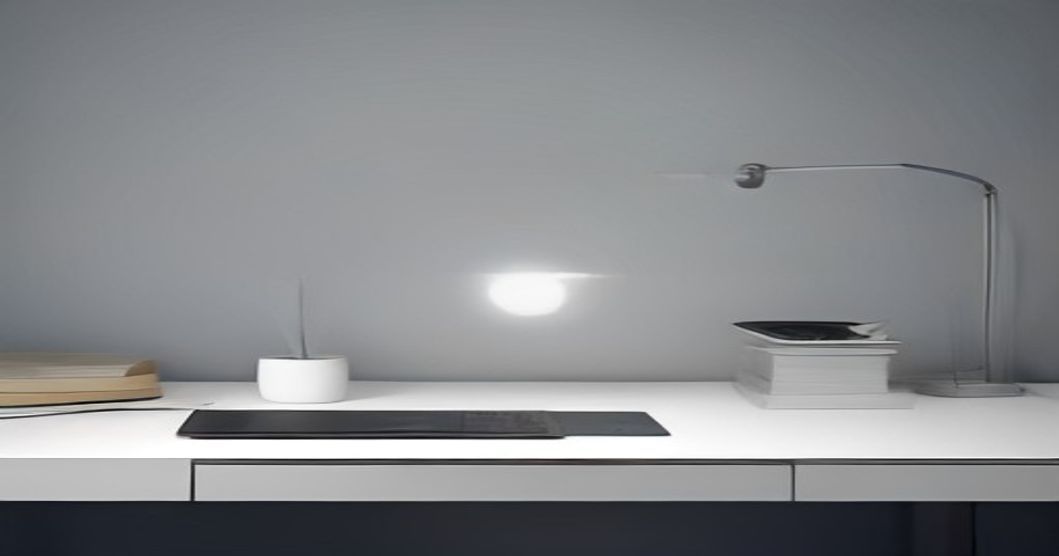
7 Practical Tips to Keep Your Home Office Desk Clutter‑Free While Working Remote
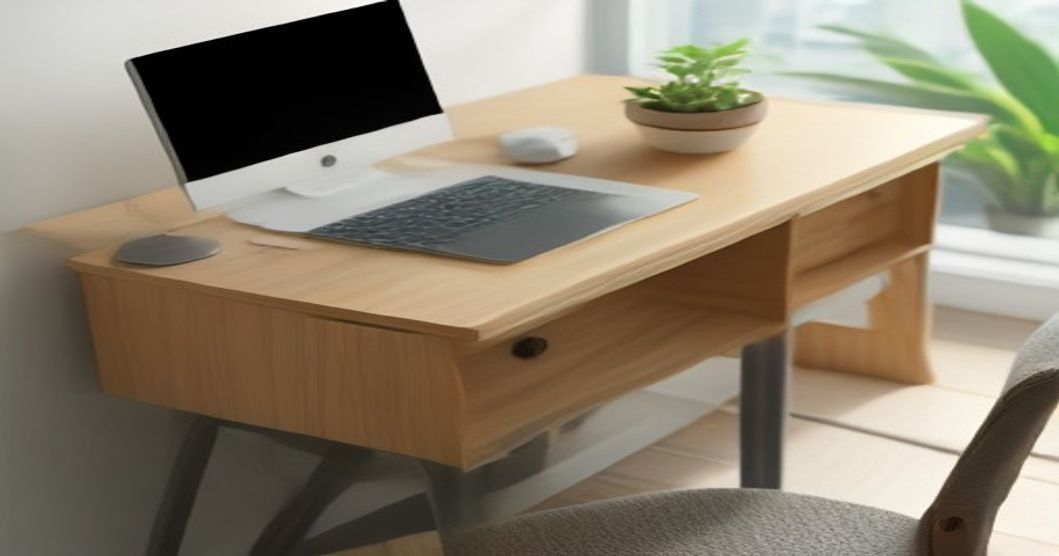
I still remember the first time I tried to join a video call from my kitchen table. The camera caught a stack of unpaid bills, a half‑eaten sandwich, and a rogue charging cable that looked like a tiny snake. My client laughed, I blushed, and I promised myself I’d never let a desk turn into a disaster zone again.
Since that mortifying moment, I’ve experimented with dozens of tricks, tossed a few away, and finally landed on a set of habits that actually stick. If you’re juggling Zoom meetings, deadline‑driven projects, and the occasional toddler‑sized Lego masterpiece, these seven tips can help you reclaim a clean, calm workspace without feeling like you’re living in a sterile showroom.
Why Desk Clutter Sneaks Up on Remote Workers
When your commute is a few steps from the bedroom to the desk, the line between “work zone” and “living zone” blurs. The convenience of reaching for a coffee mug or a snack without leaving the chair seems harmless—until the pile grows. Research shows visual clutter can drain mental bandwidth, making it harder to focus and increasing stress. That’s why a tidy surface isn’t just aesthetic; it’s a productivity hack.
Tip 1: Adopt a Daily Reset Routine
I used to think a quick “tidy‑up” before lunch was enough. Spoiler: it wasn’t. The real game‑changer was setting a five‑minute timer at the end of each workday to clear everything off the top of the desk. I call it my "desk sunset."
How to do it
- Stop all open apps – close browser tabs you don’t need tomorrow.
- Gather loose items – pens, notepads, and any stray paperwork go into a small tray.
- Wipe the surface – a quick spray and cloth make the desk feel fresh.
- Leave only three items – your laptop, a notepad, and a pen. Anything else belongs elsewhere.
"A five‑minute reset is like a mini‑vacation for your brain."
Tip 2: Zone Your Desk
At first, I tried to cram everything into a single space, which only amplified the mess. The solution? Divide the surface into functional zones: a primary work zone, a secondary reference zone, and a personal comfort zone.
What belongs where?
- Primary work zone – laptop, mouse, and any device you need for the current task.
- Reference zone – a single notebook or a stack of printed documents you’re actively using.
- Comfort zone – a small plant or a photo that reminds you why you love remote work.
By physically separating items, you reduce the temptation to scatter things around.
Tip 3: Go Digital, Not Physical
I used to keep a drawer full of receipts, coupons, and old meeting agendas. Scanning them into a cloud folder freed up inches of drawer space and made retrieval a breeze. Apps like Evernote or Google Drive turned paper clutter into searchable PDFs.
Quick steps to digitize
- Pick a scanning app – CamScanner or the built‑in phone scanner works well.
- Create folders – name them by project or month.
- Set a weekly habit – spend 10 minutes each Friday uploading new docs.
"Digital files don’t take up desk real‑estate, and they’re easier to locate when you need them."
Tip 4: Keep Essentials Minimal
My first home office was a shrine to every gadget I owned. Over time, I realized most of those “essentials” sat idle. I conducted a “usage audit”: if I didn’t touch it at least twice a week, it got a one‑way ticket to the donation bin.
Minimalist checklist
- Only one pen you love writing with.
- One notebook for daily notes.
- One charging hub – multiple cords become a tangled nightmare.
Tip 5: Use Vertical Space Wisely
When my desk was a flat plain, I kept everything on the surface, leading to overflow. Installing a couple of wall‑mounted shelves gave me instant storage without sacrificing floor space. I placed my printer, a few reference books, and a small basket for incoming mail up there.
"Think upward. Your eyes will thank you, and you’ll have room for a coffee mug that actually fits."
Tip 6: Set Boundaries with Household Members
My roommate once used my desk as a temporary dining table. The result? A sandwich‑smudged keyboard and a lingering smell of garlic. I printed a friendly “Work Zone – Do Not Disturb” sign and explained why a clean desk matters for my focus.
Communication tips
- Post a schedule – let them know when you’re in “deep work” mode.
- Offer alternatives – a nearby side table for their meals.
- Be consistent – reinforce the rule gently but firmly.
Tip 7: Schedule a Weekly Review
Every Sunday evening, I spend 15 minutes reviewing the past week’s paperwork and digital clutter. This habit prevents small piles from turning into mountains.
Review routine
- Sort paperwork – file, recycle, or digitize.
- Clear the tray – empty any catch‑all containers.
- Re‑stock only what you need – refill pens, replace the plant water, and set the next week’s agenda.
"A weekly sweep is the antidote to the cumulative chaos that builds up over time."
Your 7‑Step Action Plan (Numbered)
- Set a five‑minute desk sunset each day.
- Divide the surface into work, reference, and comfort zones.
- Scan and store all paper documents digitally.
- Audit your desk items and keep only what you use weekly.
- Install shelves or wall mounts to free up surface area.
- Communicate clear work‑zone boundaries to anyone sharing your space.
- Conduct a 15‑minute weekly review every Sunday.
FAQ
Q: What if I need multiple monitors? A: Stack them on a monitor riser and keep the base area clear for your primary tools. The riser creates a tiny “second tier” without adding clutter.
Q: I work with physical prototypes; can I still keep my desk tidy? A: Allocate a dedicated “prototype bin” that sits on a side table. When the project ends, move the bin to a storage shelf or closet.
Q: How do I stay motivated to keep the habit? A: Pair the reset routine with something enjoyable—like listening to your favorite podcast while you tidy. The positive association makes the habit stick.
I hope these tips feel less like a corporate checklist and more like a friendly nudge from someone who’s been there—sandwich‑stained keyboard and all. Give one or two ideas a try this week, and watch how much lighter your desk—and your mind—can feel. Happy decluttering, and may your next video call be crystal clear, both on screen and in the space around you.
By the ReadyTips Team
We research, test, and write practical guides so you don't have to figure things out the hard way. Every article is reviewed by hand before publishing.