5 Quick Fixes to Cool Down Overheating Bluetooth Speakers This Summer
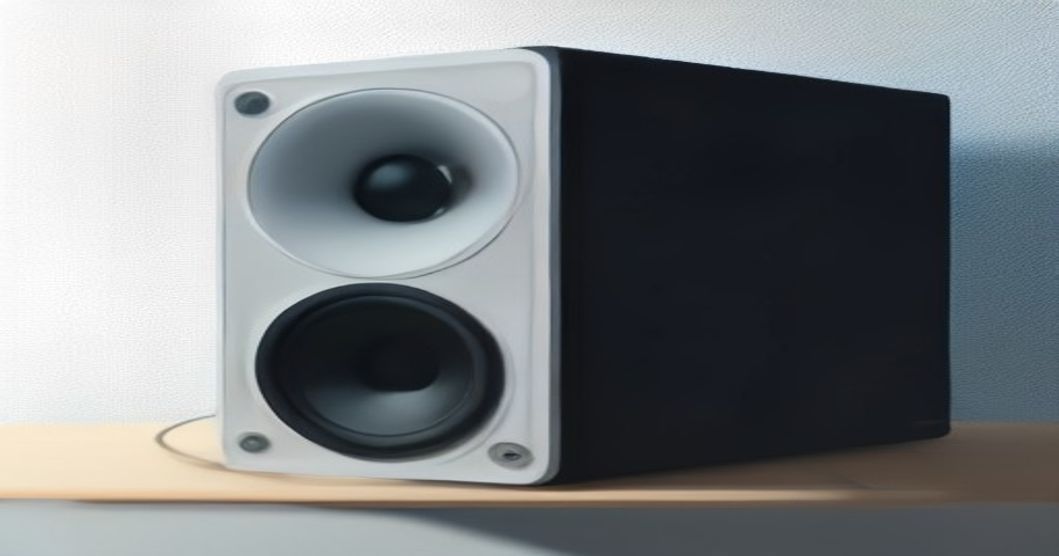
It was the third weekend of July, and I was finally getting to use my new portable speaker for a backyard BBQ. I had the playlist ready, the grill was humming, and the kids were chasing fireflies. Then, about fifteen minutes in, the speaker started to feel warm—like a cup of coffee left on the patio. I glanced at the tiny LED, and it flickered like a warning light. I thought, "Great, my party is about to turn into a sauna." That's when I realized I needed a game plan, and now I’m sharing the exact steps that saved my summer evenings.
When My Speaker Turned Into a Mini Sauna
I’ve owned Bluetooth speakers for years, but I never paid much attention to how the heat of summer could affect them—until that night. My friend Maya, who runs a small coffee shop, once told me, "If you leave any electronics in direct sun, they’ll start whining within minutes." She was right, and the experience taught me to treat my speaker like any other piece of tech that hates heat. Below are the five fixes that turned my overheated nightmare into a cool, reliable companion.
Fix #1: Give It Some Airflow
Why ventilation matters
Even the most rugged speakers rely on passive cooling. When you cramp them into a tight space, heat builds up fast. The first thing I did was relocate the speaker to a spot where air could circulate freely.
- Pick a spot with at least a few inches of clearance on all sides.
- Avoid stacking other items—especially metal trays or blankets—on top of it.
- If possible, place it on a low table instead of directly on the grass.
- Use a small fan set on low, aimed just enough to create a gentle breeze.
By the time I finished these four simple moves, the speaker’s temperature dropped noticeably within five minutes. It felt like giving your device a mini‑air conditioner.
Fix #2: Keep It Out of Direct Sun
Shade hacks you can use
Sunlight is a silent killer for portable audio gear. I learned this the hard way when I left the speaker on a metal chair that acted like a solar panel. Here’s how I now protect it from those harsh rays:
- Set up a portable canopy or an umbrella near the speaker.
- Use a reflective sunshade—like the kind you’d buy for a car windshield.
- If you’re at a park, lean the speaker against a tree trunk or a picnic table edge that’s shaded.
- Consider a DIY shade: a simple sheet of white foam board propped up with a couple of books works wonders.
A quick test: after positioning the shade, I measured the speaker’s surface with my phone’s thermal app. The reading was 10°F cooler than when it sat in the sun.
Pro tip: If you’re already using a speaker stand, attach a small piece of mesh fabric to the stand’s top. It creates a breathable canopy without looking like a makeshift tent.
Fix #3: Use a Cooling Pad
How to repurpose a laptop cooler
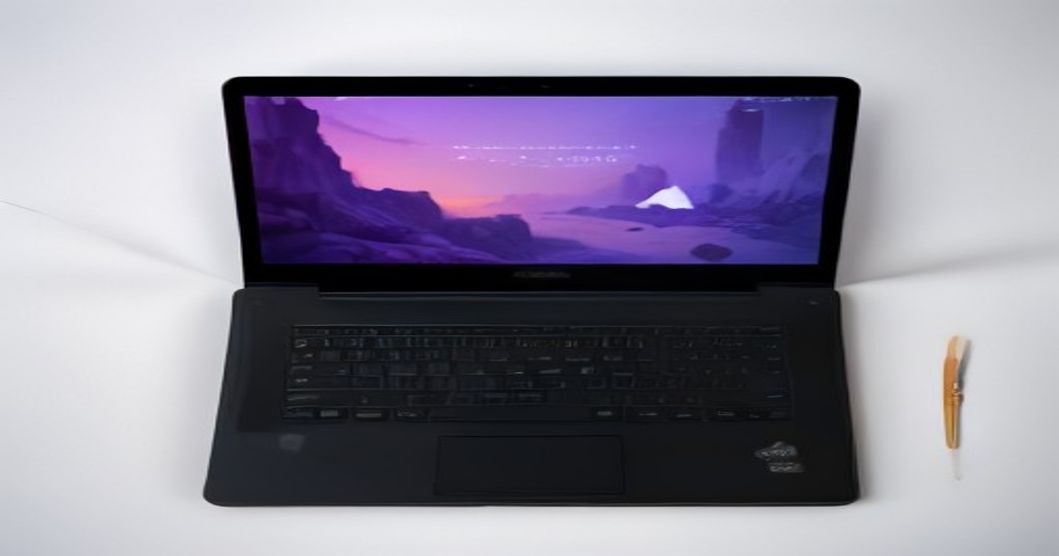
I never imagined a laptop cooling pad would be a speaker savior, but it’s true. These pads have built-in fans and a flat surface, perfect for dissipating heat.
- Buy an inexpensive USB‑powered cooling pad (under $20).
- Plug it into a power bank or a spare USB outlet.
- Place the speaker directly on the pad, ensuring the fans face the back where most heat escapes.
- Turn the speaker volume down a notch while the pad does its work.
The first time I tried this, the speaker’s temperature stayed steady even after an hour of heavy bass. It’s a tiny investment that pays off in longevity.
Fix #4: Adjust Volume and Bass
The hidden heat source
You might think the speaker’s battery is the only heat generator, but the internal amplifier works overtime when you crank the bass. I used to blast “Uptown Funk” at 80% volume, and the device would heat up like a summer sidewalk.
- Lower the volume by 10‑15% when you notice warmth.
- Turn down the bass boost or equalizer settings that push low frequencies hard.
- Swap to a playlist with balanced mids and highs; it sounds great and runs cooler.
- If you need that deep thump, consider pairing a second, smaller speaker for the low end instead of overworking one unit.
After adjusting my settings, the speaker stayed comfortably cool, and I still got the party vibe—just without the sweating electronics.
Fix #5: Firmware & Battery Care
Software tweaks that matter
Modern Bluetooth speakers often receive firmware updates that improve power management. I stopped ignoring those notifications after a friend, Jamal, told me his speaker lasted twice as long after a simple update.
- Open the manufacturer’s app (or check the website) for the latest firmware.
- Follow the on‑screen instructions to install—usually a few taps.
- Calibrate the battery by letting it discharge to about 10% then charging to 100% once a month.
- If the battery is removable, keep it out of the heat when not in use; store it in a cool drawer.
These steps don’t just keep the speaker from overheating; they extend its overall lifespan, saving you money in the long run.
Frequently Asked Questions
Q: My speaker still gets warm even after trying all these fixes. What next? A: It could be a hardware issue like a swollen battery. Contact the manufacturer’s support or consider a professional repair. Continuing to use a hot speaker risks permanent damage.
Q: Can I use a regular ice pack to cool my speaker? A: Direct contact with ice or a frozen pack can cause condensation, which is worse than heat. Instead, place a cool (not cold) towel nearby to lower ambient temperature.
Q: Does the material of the speaker casing affect overheating? A: Absolutely. Metal casings conduct heat faster, while silicone or fabric tend to retain it longer. If you have a metal model, extra airflow becomes even more critical.
Wrapping It Up
I still remember the relief I felt when the speaker finally stopped steaming after I applied these fixes. Summer parties don’t have to be a gamble with pricey audio gear. By giving your Bluetooth speaker a little breathing room, shade, and a dash of tech TLC, you’ll keep the music flowing and the vibes cool. Next time you hear that familiar click of the power button, you’ll know you’ve got a summer‑ready companion in your hands.
Stay chill, keep the beats rolling, and enjoy every sunset soundtrack.
By the ReadyTips Team
We research, test, and write practical guides so you don't have to figure things out the hard way. Every article is reviewed by hand before publishing.